
Best Gas Engineer App That Works Offline: What Actually Syncs Later (2026)
A genuinely offline gas engineer app has to let you draft and save the actual report with no signal, not just view the day’s jobs. Checked live today against six vendors’ own pages.
Updated 6 October 2026
TLDR: A gas engineer app that genuinely works offline has to let you draft and save the actual report with no signal, not just view the day’s jobs. Checked live today: Gas Engineer Software, Checker and Gas Cert all confirm full offline report drafting; Gas Certificate App needs offline mode switched on before you lose signal; Tradify’s own help centre confirms it has no offline mode at all.
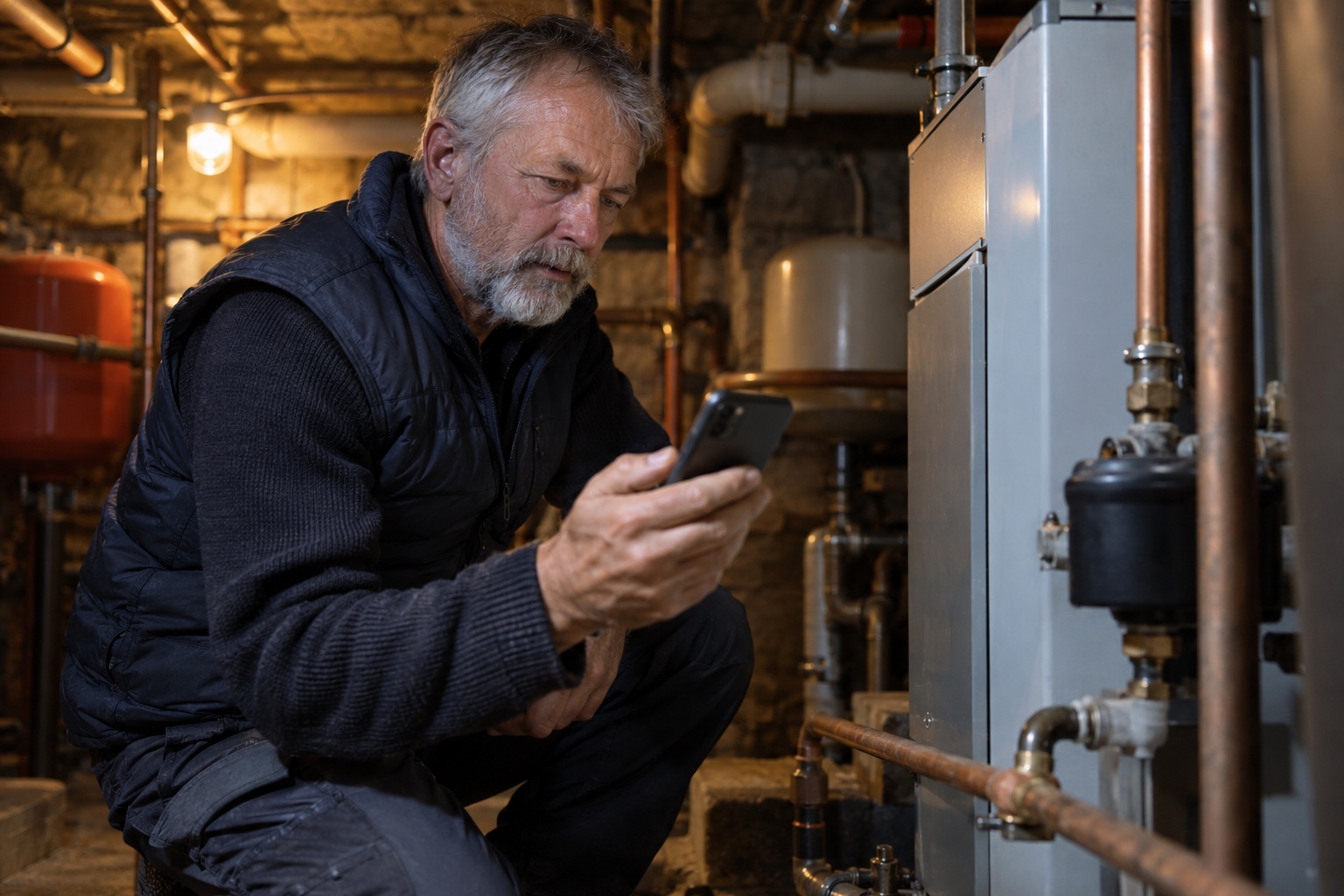
A boiler sits behind a hatch in a windowless plant room, the kind of space where a phone shows no bars at all. The job does not pause for that. The question is whether the app in your pocket does.
For a gas engineer specifically, “offline” cannot just mean seeing the day’s job list with no connection. It has to mean completing the actual report, the one carrying your Gas Safe number, the appliance details and any defect found, and trusting it reaches the cloud correctly once you are back in range. That is a narrower, higher-stakes test than most “works offline” marketing lines admit.
What does “offline” actually have to mean for a gas engineer?
Mobile coverage is not an edge case for this trade. Ofcom’s Spring 2026 Connected Nations data shows 95% of urban UK homes get indoor 4G from all four networks, against 64% of rural homes, and 3.8% of UK landmass has no 4G signal from any network at all. A gas engineer working rural properties, basements and plant rooms meets that gap on a normal week, not occasionally.
Most apps that advertise offline working mean something close to table stakes: see the schedule, open a job, add a note or a photo. The harder test is whether the finished compliance document itself, with your registration number and the appliance findings on it, can be started, completed and saved as a whole with no connection, then synced correctly once you are back in range.
Can you actually draft and save a report, not just view the job?
Checked live today against each vendor’s own pages: Gas Engineer Software states plainly that drafts “auto-save to your device and sync the moment you’re back online.” Checker’s own gas-engineer page states you can “fill in the report in a basement, cellar, plant room or rural property with no connection,” with the work saved to the device and synced once back in range. Gas Cert, from iCertifi, confirms certificates can be completed “without a data connection,” with everything saved on the device.
Tradify sits at the other end. Its own help centre confirms the web console and the mobile app both need a live internet connection to operate, with no stated offline mode. Gas Certificate App sits in between: offline mode has to be switched on in the app before you enter the poor-signal area, and while it is active you can start, complete and save a new certificate locally, but opening previous certificates or PDFs, or sending the finished one to the customer, both need a connection.
What about photos, readings and signatures?
Capturing individual pieces, a photo, a reading, a signature, with no signal is close to standard across the tools checked. The weaker spot is usually whether the completed document those fields belong to can be finished and saved as one piece offline, which is where Tradify and the toggle-dependent Gas Certificate App fall short of Checker, GES and Gas Cert.
What actually happens once you’re back in signal?
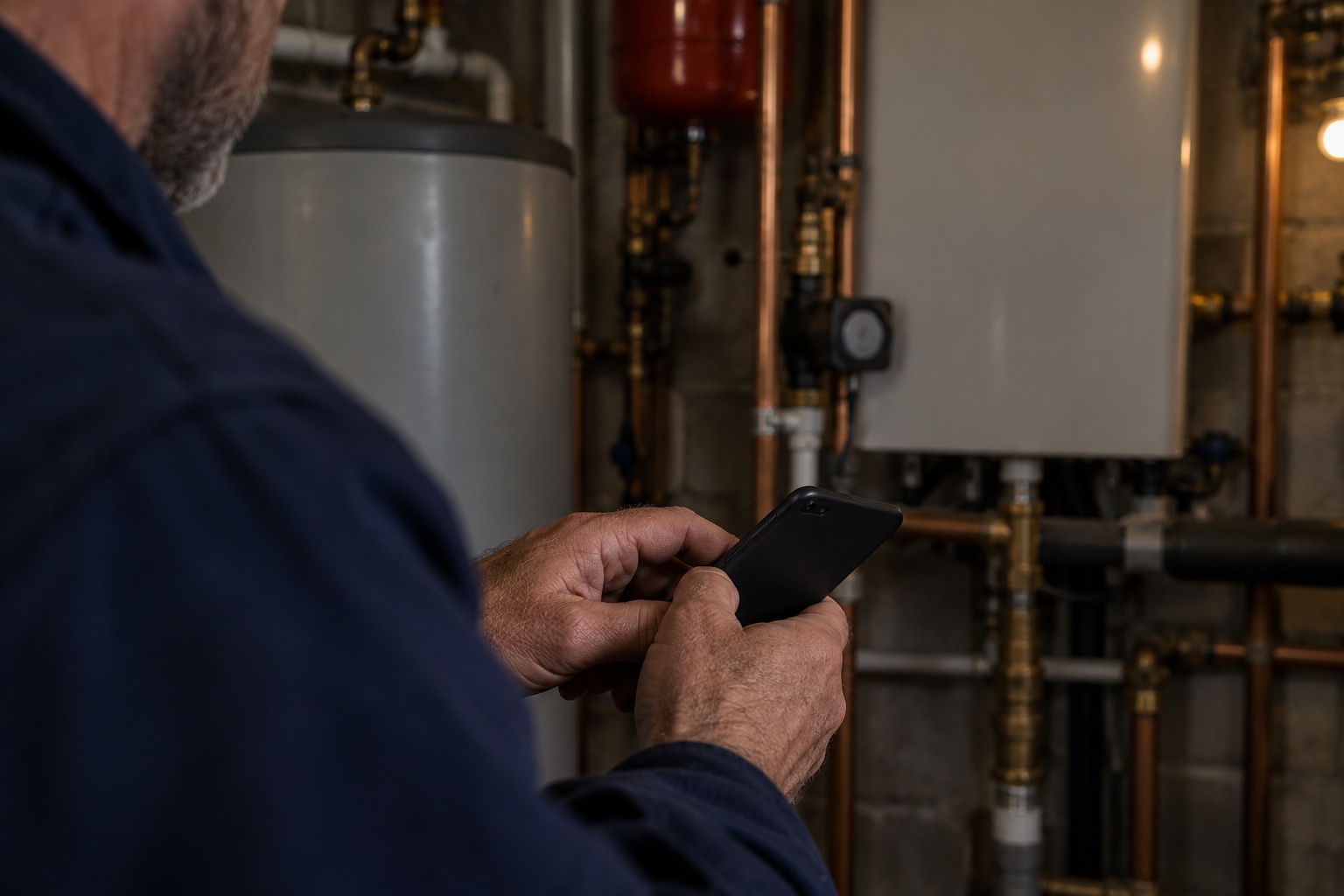
The mechanism every vendor checked here describes is the same in outline: the report is saved locally while there is no connection, then syncs to the cloud automatically once a signal returns. That is the stated behaviour for Checker, GES, Gas Cert, Gas Certificate App and ServiceM8 alike.
What none of those vendors’ own public pages state, including Checker’s, is what happens if the same job gets opened on two devices before either syncs, or whether a report completed offline keeps the exact time you did the work rather than the time it reaches the cloud. That gap matters here specifically: Regulation 36 of the Gas Safety (Installation and Use) Regulations 1998 requires the record to show the date the appliance or flue was checked, kept for 2 years from that date. If more than one engineer might touch the same job, or the recorded date has to match the day the work actually happened, ask the vendor to show you that behaviour directly, not a general “syncs automatically” line.
Does it matter which phone your team uses?
Sometimes, yes. Gas Cert’s own pages confirm a real platform split: on iPhone, iPad and Mac, offline work syncs through iCloud; on Android, the app works offline with an optional Google Drive backup, and a certificate made on an Android device “stays on that phone and does not sync with Apple devices” on the same account. For a mixed-device team, that is a practical catch worth testing before relying on it, not a theoretical one.
How do six gas engineer apps actually handle offline?
Checked live and dated below, against each vendor’s own pages. Checker appears second in display order only, not a merit ranking.
| App | Confirmed offline, no signal | Needs a connection | Price, checked 6 Oct 2026 |
|---|---|---|---|
 Tradify Tradify |
Nothing. Tradify’s own help centre states neither the web console nor the mobile app has an offline mode. | Everything; a live connection is required to operate at all. | UK plans from £34 to £44 a user a month, no VAT statement on the pricing page (checked 30 Sep 2026). |
 Checker Checker |
Completing and saving a gas report: “fill in the report in a basement, cellar, plant room or rural property with no connection,” synced once back in range, per Checker’s own gas-engineer page. | Checker’s own pages do not state what happens to a job edited on two devices before either syncs; confirm this directly for a multi-engineer team. | Lite £10.99, Pro £19.99, Pro+ £25.99 a month, all plus VAT. Xero, QuickBooks and Sage sync on Pro and Pro+ only. |
 Gas Engineer Software Gas Engineer Software |
Opening jobs and completing certificates with no signal; drafts auto-save and sync once back online, per its own records-and-certificates page. | GES’s own pages do not state what happens if the same job is edited on two devices before syncing. | Starter £18 to £19, Core £23, Pro £30 a month per user, excluding VAT. |
 Gas Certificate App Gas Certificate App |
Starting, completing and saving a new certificate locally, once offline mode is switched on before signal is lost. | Offline mode must be turned on in advance, not after signal drops; opening previous certificates or PDFs and sending the finished certificate to the customer both need a connection. | £20 plus VAT per user a month, or £216 plus VAT a year (about £18 plus VAT a month). |
 Gas Cert (iCertifi) Gas Cert (iCertifi) |
Completing certificates with no data connection on iOS or Android, with reference data cached on the device. | Android certificates stay on that device and do not sync with Apple devices on the same team. | £24.99 a month, VAT included, or £149 for 12 months. |
 ServiceM8 ServiceM8 |
Viewing job details, schedule, photos and signatures with no connection. | Producing a finished template-based document and sending emails or texts both need a signal, per ServiceM8’s own description. | UK Starter plan from £25 a month, stated excluding VAT. |
App: Tradify
Confirmed offline, no signal: Nothing. Tradify’s own help centre states neither the web console nor the mobile app has an offline mode.
Needs a connection: Everything; a live connection is required to operate at all.
Price, checked 6 Oct 2026: UK plans from £34 to £44 a user a month, no VAT statement on the pricing page (checked 30 Sep 2026).
App: Checker
Confirmed offline, no signal: Completing and saving a gas report: “fill in the report in a basement, cellar, plant room or rural property with no connection,” synced once back in range, per Checker’s own gas-engineer page.
Needs a connection: Checker’s own pages do not state what happens to a job edited on two devices before either syncs; confirm this directly for a multi-engineer team.
Price, checked 6 Oct 2026: Lite £10.99, Pro £19.99, Pro+ £25.99 a month, all plus VAT. Xero, QuickBooks and Sage sync on Pro and Pro+ only.
App: Gas Engineer Software
Confirmed offline, no signal: Opening jobs and completing certificates with no signal; drafts auto-save and sync once back online, per its own records-and-certificates page.
Needs a connection: GES’s own pages do not state what happens if the same job is edited on two devices before syncing.
Price, checked 6 Oct 2026: Starter £18 to £19, Core £23, Pro £30 a month per user, excluding VAT.
App: Gas Certificate App
Confirmed offline, no signal: Starting, completing and saving a new certificate locally, once offline mode is switched on before signal is lost.
Needs a connection: Offline mode must be turned on in advance, not after signal drops; opening previous certificates or PDFs and sending the finished certificate to the customer both need a connection.
Price, checked 6 Oct 2026: £20 plus VAT per user a month, or £216 plus VAT a year (about £18 plus VAT a month).
App: Gas Cert (iCertifi)
Confirmed offline, no signal: Completing certificates with no data connection on iOS or Android, with reference data cached on the device.
Needs a connection: Android certificates stay on that device and do not sync with Apple devices on the same team.
Price, checked 6 Oct 2026: £24.99 a month, VAT included, or £149 for 12 months.
App: ServiceM8
Confirmed offline, no signal: Viewing job details, schedule, photos and signatures with no connection.
Needs a connection: Producing a finished template-based document and sending emails or texts both need a signal, per ServiceM8’s own description.
Price, checked 6 Oct 2026: UK Starter plan from £25 a month, stated excluding VAT.
A feature tick for “offline mode” does not show which of these behaviours a given tool actually has. Ask any shortlisted vendor to demonstrate it on a real but synthetic job, in airplane mode, in front of you.

Where does Checker fit into this?
Checker’s own gas-engineer page confirms full offline drafting for gas reports: completing the report with no connection in a basement, cellar, plant room or rural property, saved to the device and synced once you are back in range. That puts it among the fuller offline implementations confirmed today, alongside GES and Gas Cert, rather than the partial one (Gas Certificate App’s advance toggle) or the absent one (Tradify).
We have not published what happens if the same job is edited on two devices before either syncs, so we are not claiming that behaviour here. If more than one engineer might touch the same job, ask us to show you that scenario directly before you rely on it. Xero, QuickBooks and Sage sync invoices and payments two ways on Pro and Pro+ only, not on Lite, worth checking if the report completed offline needs to reconcile with an invoice afterwards.
See the offline report screen for yourself, in airplane mode, before you commit to a plan. Get Started Free
Further reading
For a broader, cross-trade look at offline job management, see Best Offline Job Management App for UK Trades. For a wider buyer’s guide covering pricing, reputation and integrations across six gas engineer apps, see Best App for Gas Engineers UK. Neither repeats the certificate-drafting and sync-behaviour focus here.
What should you check before you buy an offline app?
- Put the vendor’s app in airplane mode and ask them to complete an actual report, not just open a job.
- Check what happens to photos, readings, defect notes and signatures specifically, not only the header fields.
- Ask what happens if the same job is edited on two devices before either one has synced.
- Confirm whether offline mode works automatically or needs switching on before you lose signal.
- If your team mixes iOS and Android, ask directly whether a record made offline on one syncs to the other.
Frequently asked questions
What happens if I lose signal halfway through completing a report?
Every app checked here saves locally as you work, so a report you have already started is not usually lost outright. None of the vendors checked, including Checker, publish a public answer for exactly what happens if the connection drops mid-field rather than before you start, so ask this directly before relying on it for work you cannot redo.
Does offline mode work the same way on iOS and Android?
Not always. Gas Cert, from iCertifi, confirms a real split: certificates made offline on Android stay on that device and do not sync with Apple devices on the same team, while iPhone, iPad and Mac sync through iCloud. Ask any vendor that does not publish per-platform detail to confirm this directly if your team mixes devices.
Do I need to turn offline mode on before I lose signal?
It depends on the app. Gas Certificate App requires switching offline mode on before entering a poor-signal area. Checker, Gas Engineer Software, Gas Cert and ServiceM8 describe offline working without a separate switch, per their own published pages.
Can I see my full certificate or report history with no signal?
Generally no. Opening previous certificates and PDFs needs a connection in the apps checked here that address it directly, such as Gas Certificate App; the others do not contradict that, so treat historical access as an online task and offline drafting as the separate capability.
Does a confirmed offline mode guarantee a clean sync with no duplicates or lost fields?
No vendor checked here, including Checker, publishes a public answer to that question. Test it yourself with a real but synthetic job, ideally on two devices, before relying on it for live customer records.
Sources
- Checker for gas engineers, offline report statement
- Checker current pricing
- Checker homepage, offline FAQ
- Checker: Best App for Gas Engineers UK
- Checker: Best Offline Job Management App for UK Trades
- Tradify help centre: Does Tradify Work Offline?
- Gas Engineer Software: records and certificates
- Gas Engineer Software pricing
- Gas Certificate App: offline mode
- Gas Certificate App: features and pricing
- iCertifi: Gas Cert
- iCertifi: pricing
- ServiceM8: mobile-first job management software
- ServiceM8: quoting and invoicing
- Gas Safety (Installation and Use) Regulations 1998, Regulation 36
- Ofcom Spring 2026 Connected Nations data, summarised