Gas Checker is now Checker
Every customer, every job and every certificate you had in Gas Checker has already been moved over. Download Checker, log in with the details you use now, and carry on where you left off. No new billing, no re-typing your customer list, no setting the business up again.
Download on iPhone → Download on Android → Book a 15-minute walkthrough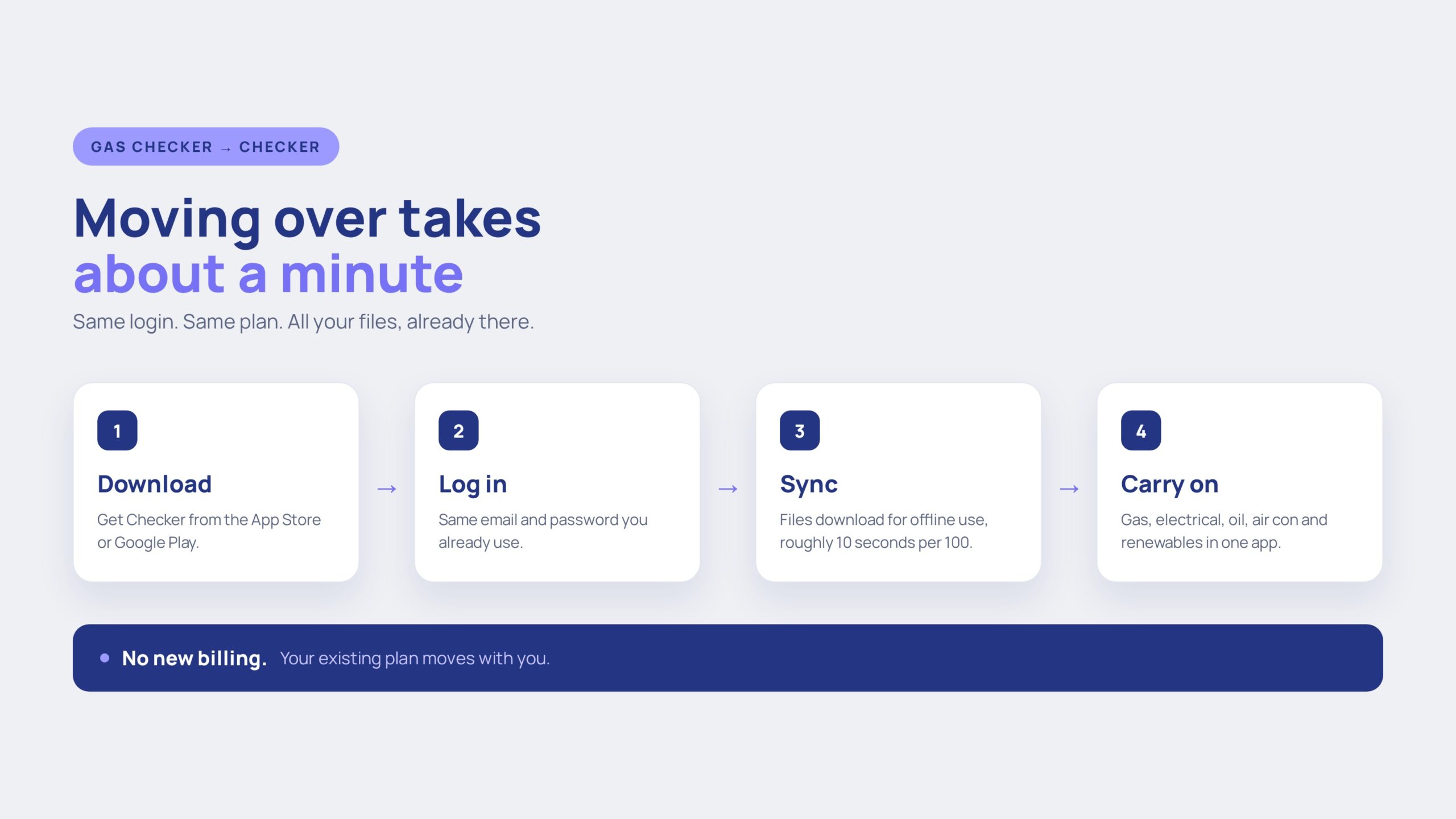
Short version: nothing of yours is lost, nothing costs extra, and the move takes about two minutes of your time. The only thing that’s changed is the name on the icon and the amount the app can do.
The long version is below – why the name changed, what came across with you, and exactly how you move.
Why the name changed
Gas Checker was a fair name when the app only did gas work. Then we added electrical. Then renewables, oil heating and air con. At which point engineers were quite reasonably asking why their EICRs were living in something called Gas Checker. So we dropped the word and kept the app.
Everything you already do stays exactly where it was. The gas side of Checker is the same forms, the same flow, the same digital certificates – there’s just more sat alongside it now.
How you move
Most of it is the app doing the work while you get on with something else.
App Store or Google Play, search “Checker”. It installs alongside Gas Checker, so nothing gets wiped off your phone.
Same username, same email address, same password. No sign-up form, no card details, no re-entering your company info.
On first open, Checker pulls your files down so they work offline. Around 10 seconds per 100 files – leave it open on wifi and it’ll sort itself out.
Once that first download is finished you can carry on exactly as before – and now on every device you sign in on.
Where your data goes
You aren’t exporting or importing anything. It’s already done – the app just needs to pull it onto your phone.
Customers, jobs, certs, plan
Already complete, nothing for you to do
Same login, same plan, same data
Files download for offline use, ~10s per 100
Online, offline, and synced across devices
What came with you
Why bother moving
Start a cert on the phone, finish it on the tablet, print it off the laptop. Same account, always up to date.
Cellars, plant rooms, rural jobs. Complete the work with no signal and it syncs the moment you get a bar back.
Electrical, renewables, oil heating and air con files sat alongside your gas work instead of in a second system.
Price the job, copy the quote straight to an invoice, get paid. See quotes and invoices.
Annual chasers go out on their own so your repeat work books itself.
Add your engineers, see their jobs and certs in one place. See staff management.
FAQ
No. Your existing plan has migrated to Checker with your account. Same price, same billing, nothing to re-enter.
Yes. All your data has already been moved across. Log into Checker and your customers, jobs, files and completed certificates are exactly where you expect them.
No. The same username, email address and password you use for Gas Checker work on Checker.
Checker downloads your files onto the device so they’re available offline. It runs at roughly 10 seconds per 100 files, so if you’ve got a big history, open it on wifi and leave it running. It’s a one-off.
Yes. Checker works online and offline. Complete jobs and certificates with no signal, and everything syncs up when you’re back in coverage – now across every device you’re signed in on.
You can for now, but new work should go into Checker so it lands in the right place and syncs to your other devices. Once you’re happy everything’s there, delete the old one.
Download, log in, let the files pull down. Everything you had, plus everything we’ve added.
Download on iPhone → Download on Android → Book a walkthroughQuick question? Mon to Fri, 9am to 5pm.
Chat on WhatsAppGet the app
Rather someone walked you through it? Book 15 minutes.
