Stripe integration
Beta · web app
The Checker Stripe integration is a one-click OAuth connection between your own Stripe account and Checker. Once it’s on, every invoice you email carries a Pay now link and the attached PDF gets a pay button embedded in it. Customer taps, pays by card, money lands in your Stripe account. Checker takes no commission.
Start your free trial → See all features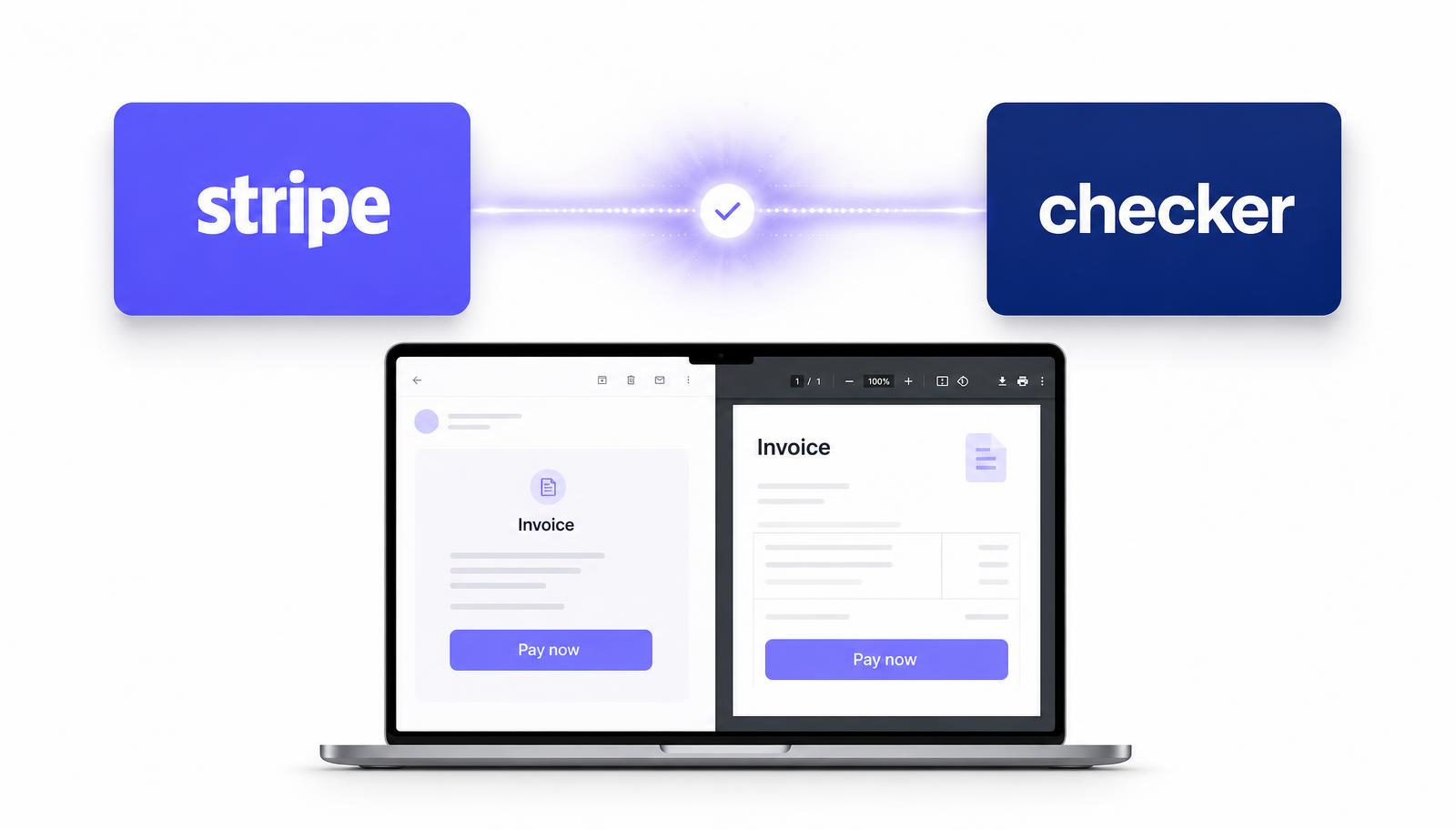
Most invoices don’t get paid late because the customer is dodgy. They get paid late because paying means digging out a sort code, opening the banking app and typing a reference. Half of them mean to do it and forget.
A pay link removes every one of those steps. They open the email, tap the button, pay by card or Apple Pay in about fifteen seconds, and your invoice marks itself paid. Same job, same money, days earlier.
It’s an OAuth connection between Checker and your own Stripe account. You authorise it once from the Checker web app, and from then on Checker can generate a Stripe payment link for any invoice you raise.
It’s your Stripe account, not ours. The money goes straight to you, the payouts are Stripe’s standard schedule, and Checker never holds your funds or takes a slice of the transaction.
How it works
In the Checker web app, open payment settings and hit Connect Stripe. You’re bounced to Stripe, you log in and approve the connection, and you land back in Checker. If you haven’t got a Stripe account yet you can create one during that same step at stripe.com/gb.
Nothing changes in how you raise it. Labour, parts, VAT, CIS, send. Checker adds a Pay now link to the email body and embeds a pay button on the PDF attachment, both pointing at a Stripe checkout for that exact amount.
Card, Apple Pay or Google Pay on their phone. Stripe confirms it, Checker marks the invoice paid and stamps the payment against the customer record. No more chasing something that’s already been paid.
✓ One-click OAuth connection to your own Stripe account
✓ A Pay now link in the body of every invoice email
✓ A pay button embedded on the invoice PDF itself
✓ Card, Apple Pay and Google Pay at the customer’s end
✓ Invoice flips to Paid automatically once Stripe confirms
✓ Payment pinned to the customer record for the audit trail
✓ Zero commission from Checker – you only pay Stripe’s fee
Checker charges nothing on top. The only cost is Stripe’s standard UK pay-as-you-go rate, billed to you by Stripe direct, with no setup fee and no monthly fee.
| Card used | Stripe fee | Checker fee |
|---|---|---|
| Standard UK card | 1.5% + 20p | £0 |
| Premium UK card | 1.9% + 20p | £0 |
| EEA card | 2.5% + 20p | £0 |
| International card | 3.25% + 20p | £0 |
| Currency conversion needed | +2% | £0 |
Rates as published on stripe.com/gb/pricing at the time of writing. Stripe sets and can change them, so check there for the current figure. On a typical £450 boiler service invoice paid on a standard UK card that’s about £6.95.
In beta
It’s live and it works, but it’s new. Right now the Stripe connection is web app only – you connect it and manage it from Checker in the browser. Invoices sent from the phone app still carry the pay link once the account is connected.
If something looks off, tell us and we’ll sort it fast. Beta users get first say on what gets built next.
Use the Stripe pay link when you’re invoicing after the fact, when it’s a landlord or letting agent paying from an office, or when the bill-payer wasn’t at the property. Use card payments with a Zettle reader when you’re stood on the drive with the customer in front of you. Plenty of engineers run both.
No. Checker takes nothing on your Stripe transactions. You pay Stripe’s standard rate and that’s it.
Stripe’s published UK rate is 1.5% + 20p for standard UK cards, 1.9% + 20p for premium UK cards, 2.5% + 20p for EEA cards and 3.25% + 20p for international cards, plus 2% if currency conversion is needed. Stripe sets these, so check stripe.com/gb/pricing for the current figure.
Yes. It connects to your account, so the money is yours from the moment it’s taken. If you haven’t got one you can create it during the connect step at stripe.com/gb. Stripe will run the usual ID and business bank checks.
Two places. A Pay now link in the body of the invoice email, and a pay button embedded on the invoice PDF, so it still works if the customer forwards the PDF to whoever holds the purse strings.
Yes. Once Stripe confirms the payment, Checker flips the invoice to Paid and records the payment against the customer record, so the auto-chasers stop as well.
On Stripe’s payout schedule to your bank account. New UK accounts usually start on a rolling delay and settle faster once the account is established. You can see and change the schedule inside your Stripe dashboard.
Connecting and managing Stripe is web app only while it’s in beta. Once your account is connected, invoices you send from the phone still carry the pay link.
Any time, from the same payment settings screen in the web app. New invoices go out without a pay link. Payments already taken stay in your Stripe account and on the customer record.
Free trial, no card needed. Connect Stripe in about a minute and every invoice goes out with a pay button.
Start your free trial →Quick question? Mon to Fri, 9am to 5pm.
Chat on WhatsAppGet the app
Rather someone walked you through it? Book 15 minutes.
