
What Should a Complete Digital Job Record Include for a UK Trade Business? (2026)
The practical contents of a complete digital job record, from customer and property details to work evidence, documents and payment status.
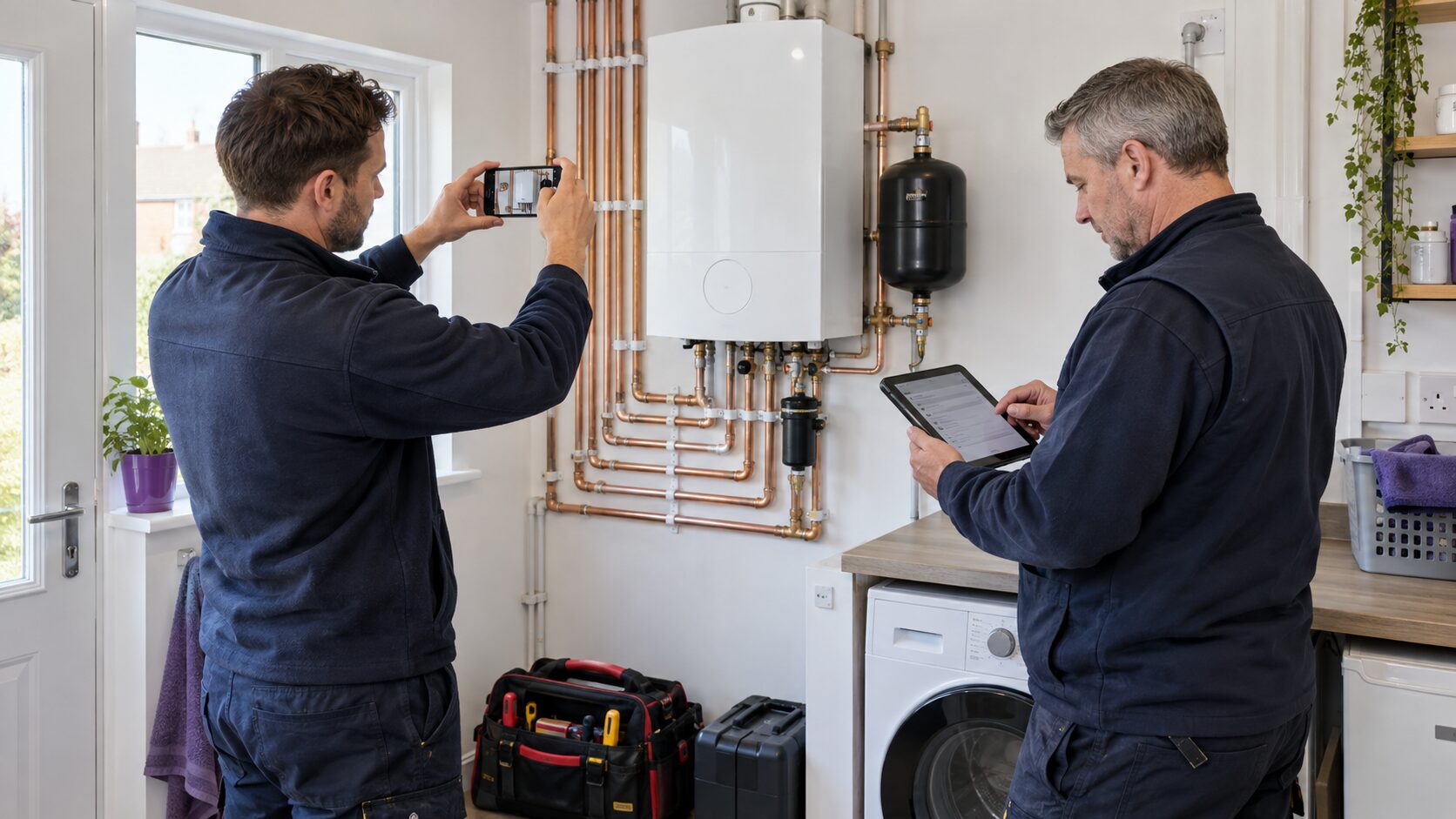
The useful test is whether somebody else can pick up the record and understand the whole job. They should be able to see who requested the work, what happened on site, which documents were issued, what is still owed and what needs to happen next without searching across inboxes and phones.
Who and what should the job record identify first?
Customer and property are not always the same thing. A landlord may pay for work at a tenant’s address. A facilities manager may control access while accounts pays the invoice. Store those roles separately so the engineer knows where to go and the office knows who receives each document.
The record should identify the job owner, assigned engineer, booking window, access instructions and any safety information needed before arrival. Avoid burying essential access or vulnerability notes inside a long free-text history.
How should the record capture agreed work and changes?
Link the accepted quote or scope, then record variations and approvals against the same job. Site notes should say what was found, what was completed, what remains and who was told. Use structured statuses for steps the business needs to filter later, with free text for useful context.
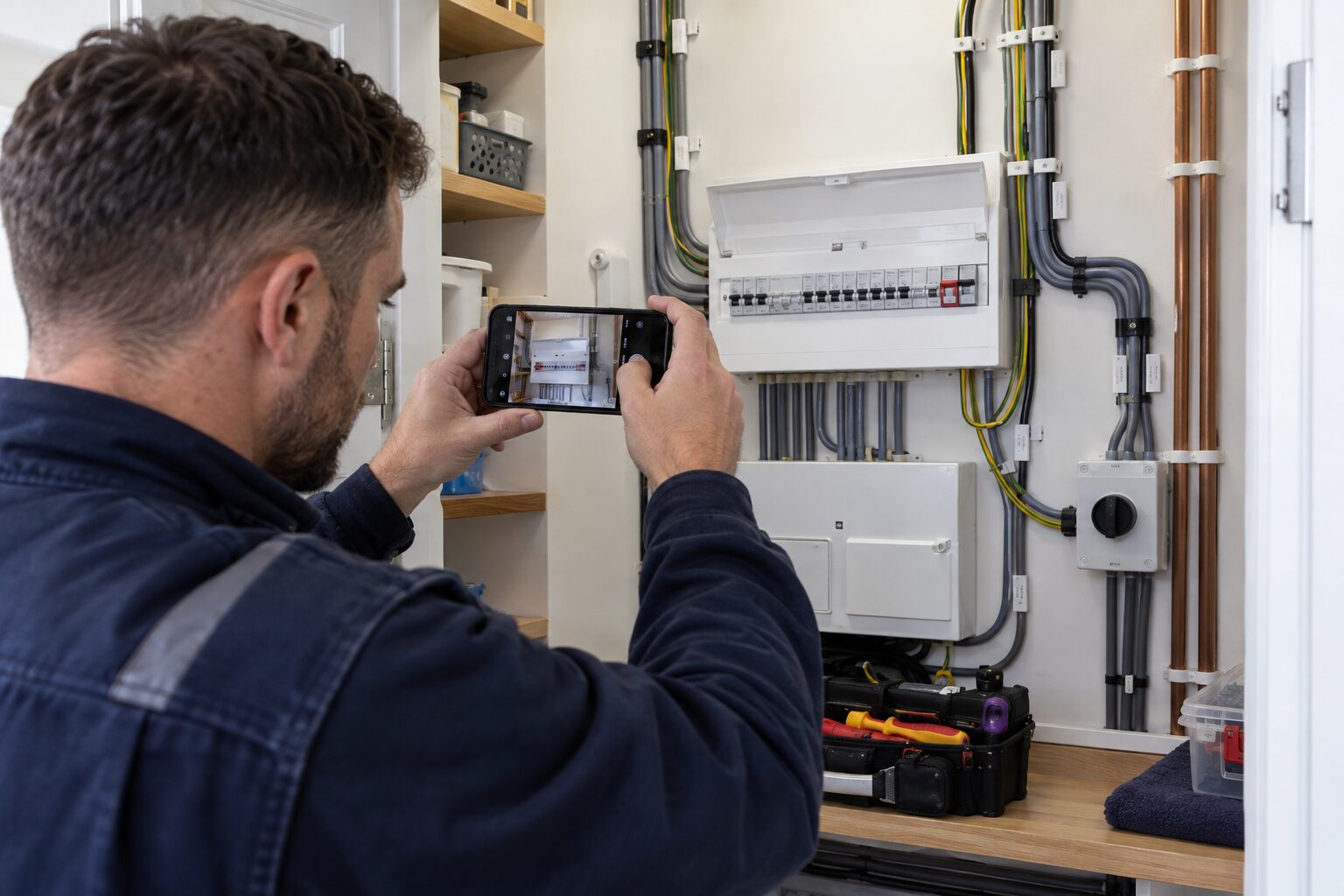
Photos can show condition, access, completed work and equipment identifiers. Take only what is relevant. Explain the purpose where needed, avoid unrelated personal information, and keep the images with the correct job rather than a general phone camera roll.
How should forms and issued versions stay together?
The job should link every report, certificate, checklist or service record produced during the visit. Preserve the final signed version that was issued. If a document is corrected, keep a traceable sequence and make it obvious which version is current.
For landlord gas safety records, HSE specifies minimum information including the appliances or flues checked, engineer identity, check date, property address, landlord details and any safety defect or remedial action. Other trades have their own document requirements, so configure the record around the work actually performed.
How should the job record connect the commercial trail?
Link the quote, deposit, purchase order where relevant, invoice, due date and payment status. The person handling a query should be able to move from the invoice back to the job and evidence without searching email, paper and a second system.
Do not duplicate accounting records without deciding which system is authoritative. A connected job platform can hold the operational view while the accounting platform owns ledgers, returns and year-end reporting.
What next action should be recorded before the job closes?
A completed job can still need remedial work, a return visit, a payment follow-up or a future service reminder. Record the owner and due date. “Done” should mean the physical work and its paperwork have reached the intended state, not merely that the engineer left site.
- Customer and property roles are clear.
- Scope and variations are approved.
- Notes and photos support the work.
- Required forms are signed and issued.
- Quote, invoice and payment status link back to the job.
- Exceptions and future actions have owners.
In Checker, we keep customers, properties, jobs, documents, quotes, invoices and payment status together. Trial the exact record your business needs, including offline work, corrections and colleague handover.
How do we support this workflow?
We built Checker for UK and Ireland trade businesses that need customers, properties, jobs, reports, quotes, invoices and follow-up in one operational record. Test one real job to confirm that our workflow, permissions and connected accounting setup match the way your business works.
Authoritative sources
- HSE: Gas safety check records and what to keep
- ICO: Guide to data protection
- Checker: current customer and job record workflow
Frequently asked questions
Should the customer and service property be separate records?
Yes. The payer, landlord, tenant, agent and service address can differ. Separate roles prevent documents and invoices going to the wrong person.
Should corrected certificates replace the old file?
Keep a traceable version history and make the current issued version obvious. Do not leave two files looking equally valid.
Do job photos belong in a phone camera roll?
They should be attached to the relevant job with an appropriate access and retention policy, not left as an unstructured personal archive.
What should happen after the engineer finishes?
Close the paperwork, send required documents, raise the invoice, assign any remedial work and set the next due action before marking the workflow complete.
Keep the whole job together
Try Checker with one real workflow, from customer and property to paperwork and payment.
Get Started Free