Checker Automations
Four handy workflows built into Checker that send branded reminders to your customers in the background. To them, it looks like you’ve sat down and written every message yourself. Checker does it for you.
Set up automations in my.checker.app →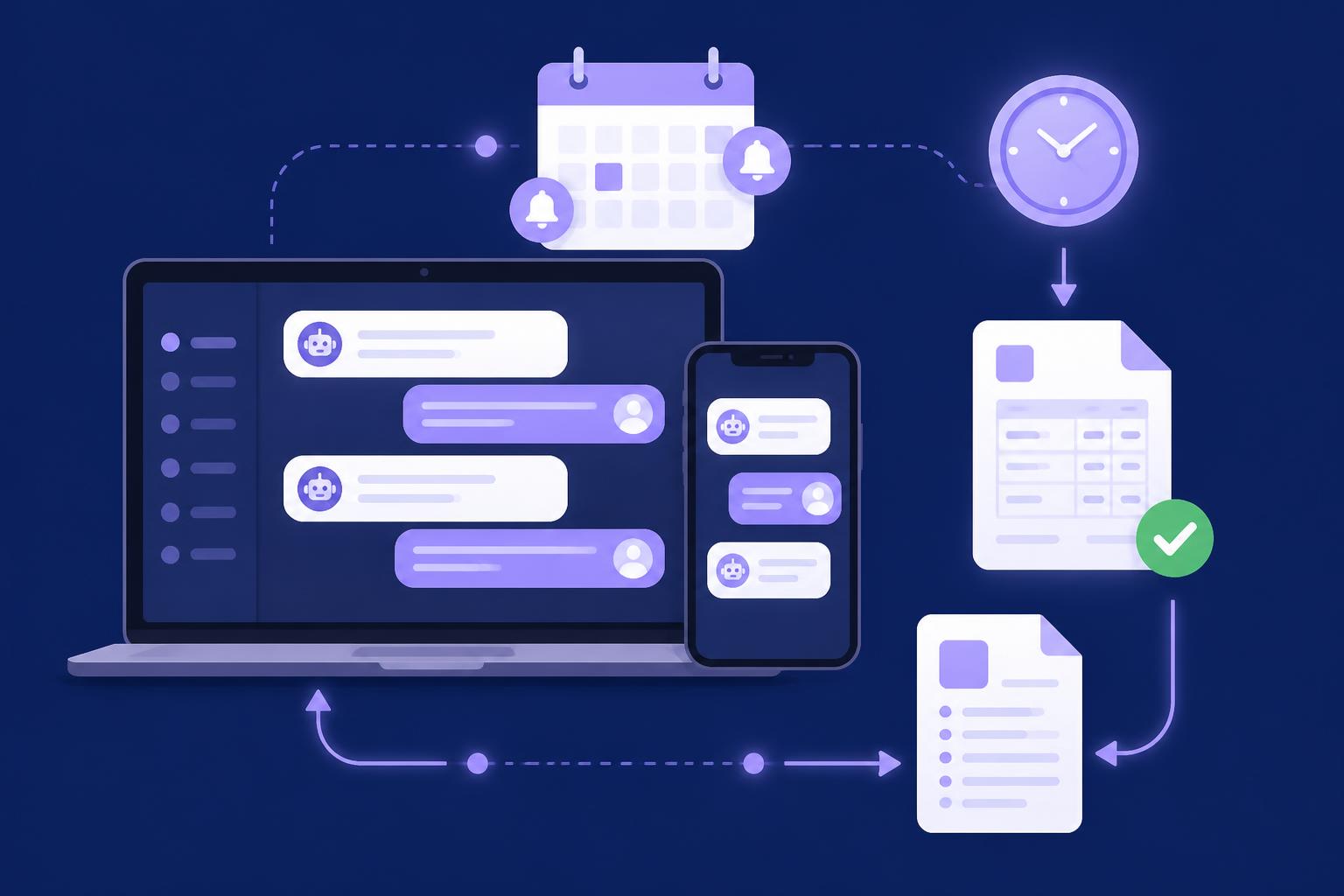
Checker Automations are four simple message workflows that fire off on their own, based on what’s happening with your jobs, quotes and invoices, and each customer’s customer record. They use your branding, your logo and a sensible bit of default wording that you can change to suit you. Any reply the customer sends comes straight back to your normal Checker inbox, so nothing slips through the cracks.
If you’re an OFTEC-registered oil engineer juggling boiler services, landlord certificates and follow-ups, automations take the paperwork off your plate without making your customers feel like they’re being spammed by a robot.
What’s inside
Feature 01
Customers forget. A short reminder before the job means they’ll be in, the boiler will be accessible, and you won’t waste a trip in the van.
Feature 02
Quotes go cold quickly. The Quote Chaser sends up to three branded follow-ups after you send a quote, each one a bit firmer than the last, and each with a one-click Accept button for the customer.
Feature 03
Cash flow shouldn’t rely on you remembering to chase. The Invoice Chaser kicks in the moment your payment terms run out, and works its way from polite to firm.
Feature 04
Repeat work is the easiest work to win. Eleven months after a customer is added to Checker, we send one well-timed message reminding them it’s nearly a year since their last visit and asking if they’d like to rebook.
One inbox
Every automated message looks like it’s come from you. Your branding, your logo, your phone number. When a customer hits reply, it lands straight in your normal email inbox just like any other email.
Every message Checker sends on your behalf is also saved to your Checker outbox in the Email tab, so you’ve got a full record of what went out and when.
Get started
These are the more advanced bits, so we’d suggest setting them up on a laptop or desktop rather than your phone.
FAQ
Yes. Every automation comes with sensible default wording, but you’re free to rewrite the subject line and body so it sounds like you.
Yes. The Annual Service Reminder is a real favourite with OFTEC-registered engineers for chasing yearly oil boiler services, and the default wording mentions safety and compliance.
No. Messages go out from your business email address with your branding and logo. To the customer, it looks like you’ve sat down and written it yourself.
Replies come straight to your normal email inbox, just like any other email. A copy of every message Checker sends is also saved in your Checker outbox in the Email tab.
Yes. Each automation has its own on or off toggle, and the Invoice Chaser also lets you switch each of the three reminder steps on or off on their own.
Switch on Checker Automations from your dashboard. It takes a few minutes to set up and then runs in the background for good.
Open my.checker.app →Quick question? Mon to Fri, 9am to 5pm.
Chat on WhatsAppGet the app
Rather someone walked you through it? Book 15 minutes.