Accountancy Integrations
Every invoice you raise and every payment you take flows automatically both ways between Checker and Xero, QuickBooks or Sage. Edit it in one, it updates in the other. No double entry, no re-typing, no month-end panic when the accountant asks for the numbers.
Start your free trial →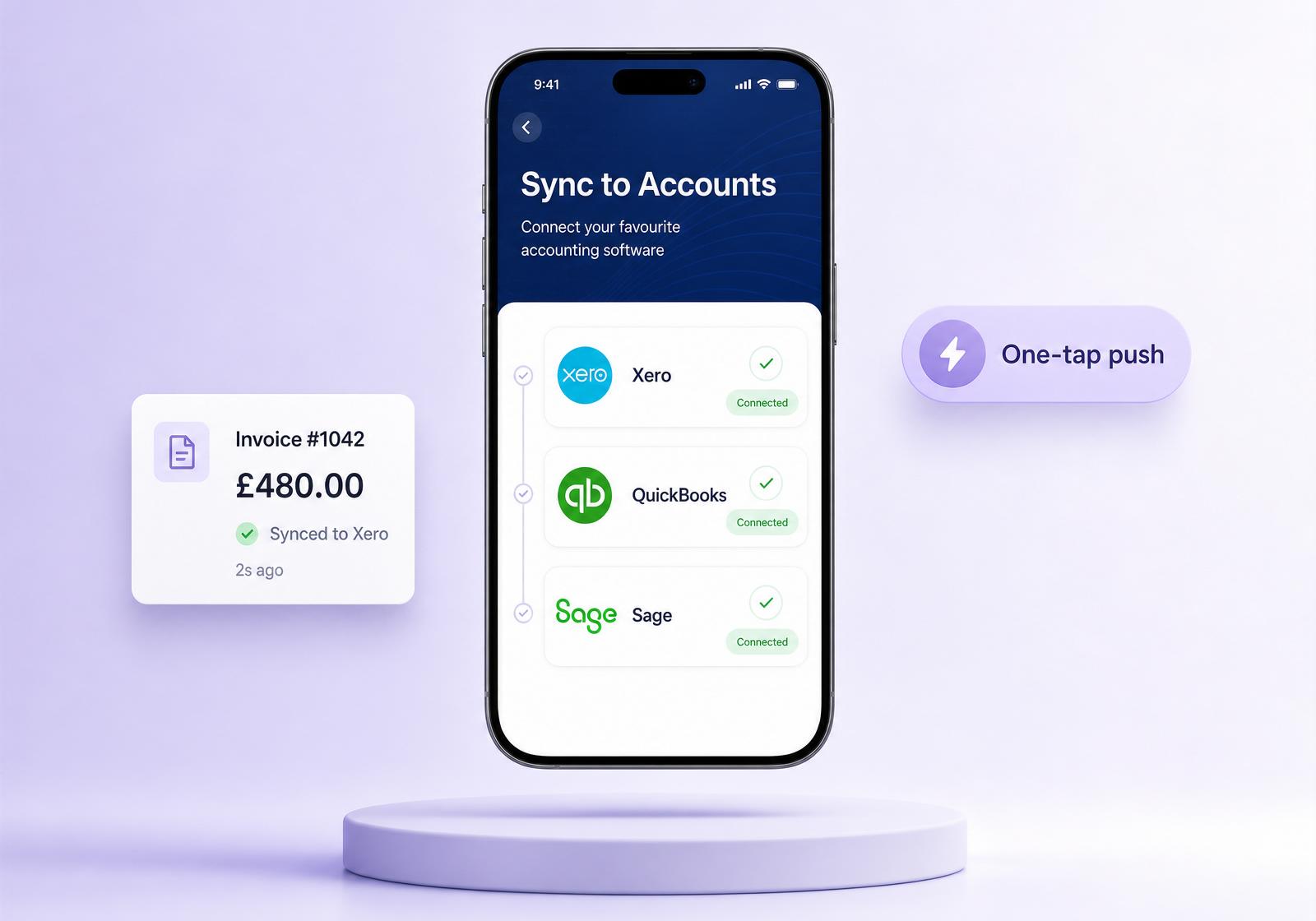
Every tradesman ends up doing the job twice. Once on the tools, once at the kitchen table typing invoices into the accounts package the accountant told you to use. It’s the tax you pay for being self-employed and it quietly eats a Sunday every month.
Checker connects directly to Xero, QuickBooks and Sage and then keeps talking to them in the background. Every invoice you raise, every payment you take, every tweak on either side – it all syncs automatically both ways. Book-keeping stops being a chore because the two systems never drift apart in the first place.
How the sync works
Link Xero, QuickBooks or Sage in a couple of taps and pick a lock date – the cut-off before which nothing syncs. Old, reconciled history stays exactly where it is.
Every invoice and payment on or after the lock date flows both ways in the background. Raise it in Checker, it appears in your accounts. Reconcile it in Xero, Checker knows.
Edit a price, add a part-payment, issue a credit note – on either side – and the other one updates. Both systems stay mirrored, no manual reconciliation.
Supported packages
The favourite of most one-van and small-fleet businesses. Full two-way sync on customers, invoices, payments and VAT codes – including CIS and reverse charge.
LiveBookkeeper’s pick. Push invoices, customers, tax codes and payments; QuickBooks reconciliation flows straight back to your Checker dashboard.
LiveOld-school reliable. Sage Business Cloud Accounting sync for invoices, customers, VAT and payment status – the setup your accountant probably already runs.
LiveMTD-ready. Works with UK VAT, CIS deductions and the domestic reverse charge for construction services.
What syncs
Lock date
When you first connect Xero, QuickBooks or Sage, Checker asks you to set a lock date. Only invoices and payments dated on or after that date will ever sync – in either direction. Anything older is left completely untouched in both systems, so years of reconciled history don’t suddenly get duplicated or dragged into the wrong place.
Typical use
Most tradesmen set the lock date to the start of the current VAT quarter or the first day of the month they went live on Checker. Clean line in the sand, no messy overlap.
Choose carefully: the lock date can be moved forward later if you want, but it can’t be moved backwards – that’s the safety net that stops old, already-reconciled records ever getting touched.
Why it matters
0
Double entry. One invoice, in one place, mirrored to the other. Never type it twice.
2-way
Automatic sync. Changes on either side reconcile on the other. Nothing to press, nothing to remember.
MTD
Ready. Making Tax Digital submissions are done from Xero/QB/Sage – Checker feeds the numbers cleanly.
Pricing
All three integrations are in the box – no per-sync fee, no add-on subscription. You’ll still need a subscription to your accounts package (Xero, QuickBooks or Sage) direct with them. See the Checker pricing page for the current plan.
Included · unlimited syncs · Xero, QuickBooks & SageConnect Xero, QuickBooks or Sage in a couple of minutes. Then get on with the actual work.
Start your free trial →FAQs
Yes – you pay them directly for the accounts package. Checker connects to your existing subscription with a couple of taps; we don’t resell or bundle their software.
One at a time per Checker account. If you ever migrate from Sage to Xero, unplug the old one and connect the new one – existing paid invoices stay where they are.
If you’re CIS-registered, tag the customer as a contractor and Checker pushes the invoice with the correct CIS deduction and DRC tax code so your accounts package treats it right on the VAT return.
The two-way sync runs automatically in the background. If a single record can’t match up (usually a missing VAT number or a mismatched customer) it lands in a “needs attention” list on your Checker dashboard with the exact reason. Fix it once and it’ll re-sync itself – nothing gets lost.
The lock date is a cut-off you pick when you first connect. Only invoices and payments dated on or after it are ever synced – in either direction – so old reconciled history stays put in both systems. You can push the lock date forward later, but not backwards; that’s the safety net that keeps historic records untouchable.
Not usually – they carry on working in Xero, QuickBooks or Sage as before. Because Checker feeds clean, coded invoices in, most accountants stop needing your job sheets to make sense of the numbers.
Quick question? Mon to Fri, 9am to 5pm.
Chat on WhatsAppGet the app
Rather someone walked you through it? Book 15 minutes.
